

Why TradingView Lacks Native Hotkeys for Traders
TL;DR:
- TradingView is designed for charting and analysis, not for trade execution, which explains the lack of native hotkeys. Traders rely on hardware macro keypads and embedded platforms to achieve reliable, low-latency order execution. These solutions bypass TradingView’s architecture limitations and ensure fast, precise trading in high-speed markets.
TradingView does not include native hotkeys for direct trade execution because it is architecturally designed as a charting and analysis platform, not an execution terminal. This is not a bug or an oversight. TradingView supports over 100 million users worldwide, and that scale is built on charting excellence and social collaboration, not low-latency order routing. Understanding why tradingview lacks native hotkeys clarifies exactly what the platform is built to do and, more usefully, how you can fill the gap with the right tools.
Why TradingView lacks native hotkeys by design
TradingView’s architecture is built around one core job: delivering world-class charting and market analysis. That focus shapes every product decision, including the absence of native execution hotkeys. Direct-routing hotkeys require complex order state management systems that TradingView’s platform simply does not contain. Adding them would mean building a real-time risk engine, position tracking, and broker connectivity layer from scratch inside a browser-based charting tool.
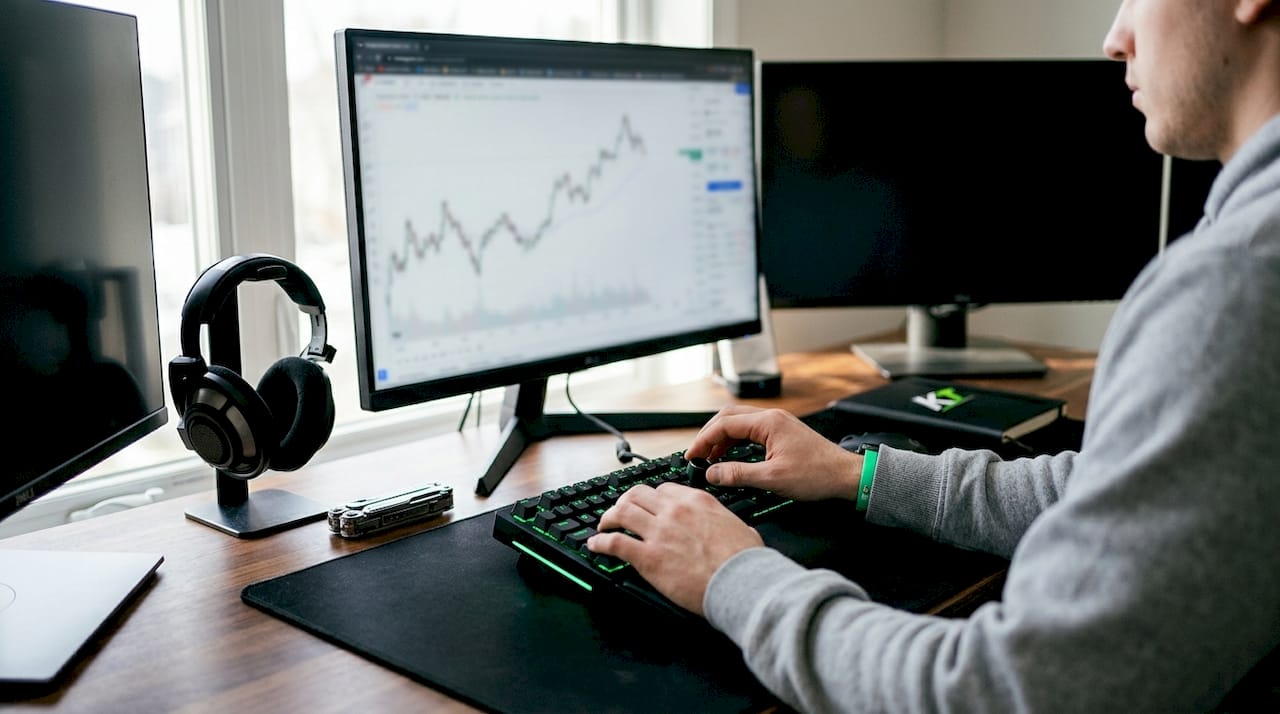
TradingView’s browser-based design is also a deliberate trade-off. It preserves global accessibility across devices and operating systems, but it limits the kind of low-latency, state-dependent input handling that execution hotkeys demand. Institutional terminals like Bloomberg run as dedicated desktop clients precisely because they need that infrastructure. TradingView chose a different path, and that choice is a fundamental aspect of its architecture prioritizing scalable charting over integrated execution.
The platform’s existing keyboard shortcuts reflect this priority clearly:
- Alt/Opt + Z: Activates keyboard navigation mode for accessibility improvements, introduced in 2026.
- Shift + Alt + B / Shift + Alt + S: Triggers limit buy and sell order dialogs, but only within third-party implementations of the Advanced Charts API, not the consumer web app.
- Arrow keys and hotkeys for chart navigation: Available for moving between bars, zooming, and drawing tools.
- No customizable hotkey interface: The consumer web app offers no scripting or binding layer for trade commands.
Pro Tip: If you use TradingView through a broker’s embedded platform, check whether that broker has implemented the Advanced Charts API with its own hotkey layer. Some do, and you may already have more shortcuts available than you realize.
How do traders compensate for the lack of native TradingView hotkeys?
Traders have developed several reliable methods to work around TradingView’s keyboard shortcut limitations. The most effective approaches operate outside TradingView’s browser environment entirely, which is exactly why they work.
-
Hardware macro keypads: Physical keypads with programmable buttons handle keystrokes at the firmware level. They bypass browser security restrictions and software input throttling entirely. Hardware macros ensure reliable order execution critical for high-frequency and prop trading scenarios. Key-trade’s professional trading keypads are built specifically for this use case, supporting TradingView alongside MetaTrader 4 and 5, cTrader, NinjaTrader, and other major platforms.
-
Wired USB connections: Wired USB-C or USB-A keyboards deliver more reliable, low-latency input than Bluetooth or wireless alternatives. Wireless keyboards show unreliable input registration below 99.5% under high CPU load, which is exactly the condition present during fast market moves. A missed keystroke during a volatile open is not a minor inconvenience. It is a real financial risk.
-
Middleware and webhook integrations: TradingView’s alerts operate server-side and support webhook integrations. Traders can route alerts via services like TradersPost to brokers for automated trade execution workflows. This is not a hotkey solution, but it does allow conditional automation triggered by chart events.
-
Avoiding legacy AutoHotkey scripts: AutoHotkey scripts often fail silently or inject inputs out of order under high CPU loads. They also interact unpredictably with browser security policies. Hardware-level solutions eliminate these failure modes entirely.
-
Embedded platform environments: Some trading environments wrap TradingView charts inside a dedicated execution terminal, adding their own hotkey layer on top. This gives you TradingView’s charting with execution speed that the native platform cannot provide.
Pro Tip: Test your keyboard or keypad setup during a high-CPU simulation before using it in live trading. Run a resource-intensive process in the background and verify that every keystroke registers correctly. If it misses inputs under load, it will miss them when it matters most.
What are the current keyboard shortcut features in TradingView?
TradingView does offer a limited set of keyboard shortcuts, but they are built for chart navigation and accessibility, not trade execution. Knowing exactly what exists helps you avoid wasting time searching for functionality that is not there.
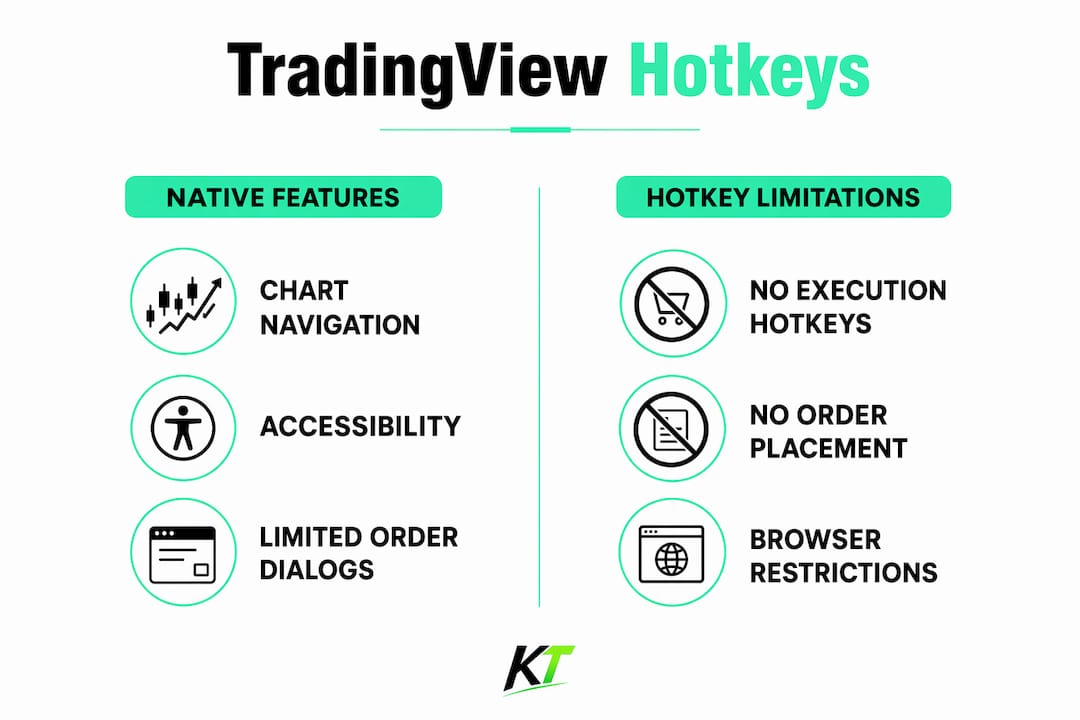
The Advanced Charts API includes keyboard shortcuts like Shift + Alt + B and Shift + Alt + S for limit order dialogs, but these are only available to developers building third-party platforms on top of TradingView’s charting library. The consumer web app at TradingView.com does not expose these shortcuts. This distinction matters because many traders assume the full charting library feature set is available in the browser app. It is not.
The 2026 accessibility update added Alt/Opt + Z for keyboard navigation mode. This improves usability for traders who rely on keyboard-only workflows for chart interaction. It does not add any order execution capability.
| Shortcut | Function | Available in consumer web app? |
|---|---|---|
| Alt/Opt + Z | Keyboard navigation mode | Yes |
| Shift + Alt + B | Limit buy order dialog | No (API only) |
| Shift + Alt + S | Limit sell order dialog | No (API only) |
| Arrow keys | Chart navigation | Yes |
| Custom trade hotkeys | Not available | No |
The table makes the gap clear. TradingView’s consumer platform offers chart navigation shortcuts and nothing more for execution. Any trader expecting a native hotkey system for order entry will not find one, and that is by design, not neglect.
How do platforms integrating TradingView charts overcome hotkey limitations?
The most practical solution for professional traders is not to fix TradingView. It is to use a platform that wraps TradingView’s charting inside a proper execution environment. Platforms like TopstepX embed TradingView charts but add native hotkeys, bracket orders, and low-latency trade execution on top.
This integration model is the clearest answer to the hotkey problem. You get TradingView’s familiar chart interface, indicators, and drawing tools. The execution layer, including hotkeys, position controls, and order management, comes from the host platform. Some platforms embed TradingView charts within dedicated terminals, melding TradingView’s analytics with their own order execution hotkeys and fast routing.
For funded and prop traders, this matters even more. Prop firms often require traders to use specific platforms, and many of those platforms now offer TradingView chart integration as a standard feature. The execution infrastructure, including hotkey support, is built into the firm’s platform rather than relying on TradingView to provide it.
The key advantages of this embedded approach include:
- Native hotkey binding: The host platform assigns keyboard shortcuts to order functions at the application level, not the browser level.
- Bracket order support: One-click or one-key entry with pre-set stop loss and take profit levels.
- Low-latency routing: The host platform handles order routing directly, bypassing TradingView’s architecture entirely.
- Position management controls: Hotkeys for partial closes, break-even moves, and stop adjustments that TradingView cannot natively support.
What practical tips improve hotkey workflows for TradingView traders?
Hardware selection is the single biggest factor in execution reliability. The right physical setup eliminates the software-layer problems that plague script-based workarounds.
When choosing a trading keyboard or keypad, prioritize onboard memory and firmware programmability. A device that stores macros in its own memory runs those macros regardless of what software is running on your computer. It does not depend on a driver or background application staying active. Hardware macro keypads handle keystrokes at the firmware level, completely bypassing software input throttling and browser security restrictions.
Wired connections are non-negotiable for serious traders. Bluetooth and wireless signals are vulnerable to radio frequency interference common at trading desks, introducing unpredictable input latency and missed keystrokes. A USB-C or USB-A wired connection removes that variable entirely.
Before going live, verify your setup meets these standards:
- Keystroke registration above 99.5% under high CPU load conditions.
- Profile switching capability so you can assign different macro sets to different platforms or strategies.
- Firmware update support to maintain compatibility as platforms evolve.
- Broker API compliance: Confirm your broker’s terms allow hardware macro use. Most do, but prop firms may have specific policies worth checking in advance.
Pro Tip: Look for keypads with professional trading keyboard features like per-key programmability and profile memory. Generic gaming keypads often lack the firmware stability that trading demands.
Key Takeaways
TradingView’s lack of native execution hotkeys is a deliberate architectural choice, and hardware-level macro keypads combined with embedded execution platforms are the most reliable solutions available to traders today.
| Point | Details |
|---|---|
| Design is intentional | TradingView is an analytical platform, not an execution terminal, so native hotkeys for order routing are outside its architecture. |
| Existing shortcuts are limited | Consumer web app shortcuts cover chart navigation only; execution shortcuts exist only in the Advanced Charts API for developers. |
| Hardware beats software workarounds | Firmware-level macro keypads outperform AutoHotkey scripts by bypassing browser restrictions and software input throttling. |
| Wired connections are required | Wireless keyboards risk missed keystrokes under high CPU load; wired USB connections eliminate this failure mode. |
| Embedded platforms solve the gap | Platforms that wrap TradingView charts with their own execution layer provide native hotkeys without changing your charting workflow. |
TradingView’s design choice is right, and that is the problem
TradingView made the correct call for its core mission. A platform serving over 100 million users across every skill level and device type cannot bolt on a real-time order routing engine without breaking what makes it great. The charting is fast, the community is active, and the accessibility is unmatched. Compromising any of that for native hotkeys would be the wrong trade-off for most of its users.
The problem is that serious traders are not most users. When you are managing a position in a fast-moving market, the gap between a mouse click and a hotkey press is not a minor inconvenience. It is the difference between getting filled at your price and chasing a move. TradingView’s architecture was never designed to close that gap, and waiting for it to do so is a losing strategy.
What I have found works is treating TradingView as the analysis layer and building execution capability separately. Hardware keypads that operate at the firmware level, wired connections, and platforms that embed TradingView charts with their own hotkey systems are not workarounds. They are the correct architecture for a professional setup. The traders who struggle most with this are the ones who expect a single platform to do everything. The ones who perform the best have accepted that TradingView’s job is to show them the trade. Their hardware’s job is to execute it.
— keytrades
Key-trade hardware fills the TradingView hotkey gap
TradingView gives you the chart. Key-trade gives you the keys to act on it.

The Key-trade Professional Trading Keyboard is built specifically for traders who need reliable, fast order execution without depending on software scripts or browser-based shortcuts. Every button is programmable at the firmware level, which means your macros run even under heavy CPU load. The keypad works with TradingView workflows alongside MetaTrader 4 and 5, cTrader, NinjaTrader, Thinkorswim, and Tradovate. No technical knowledge is required to set it up, and it ships worldwide. If you trade live accounts or prop firm accounts and execution speed matters, this is the hardware layer your setup is missing.
FAQ
Why does TradingView not have native hotkeys for trading?
TradingView is designed as a charting and analysis platform, not an execution terminal. Adding native execution hotkeys would require a real-time order state management system that does not exist in TradingView’s architecture.
What keyboard shortcuts does TradingView currently support?
TradingView’s consumer web app supports chart navigation shortcuts and the Alt/Opt + Z accessibility mode. Execution-related shortcuts like Shift + Alt + B and Shift + Alt + S are only available through the Advanced Charts API for third-party developers.
What is the best TradingView hotkey alternative for active traders?
Hardware macro keypads with firmware-level programmability are the most reliable alternative. They bypass browser restrictions and software throttling, ensuring keystroke registration above 99.5% even under high CPU load.
Can I use AutoHotkey scripts as a TradingView hotkey workaround?
AutoHotkey scripts often fail silently or inject inputs out of order under high CPU loads. Hardware-level macro solutions are significantly more reliable for live trading environments.
Do any platforms offer TradingView charts with native hotkeys?
Yes. Platforms like TopstepX embed TradingView charts within their own execution terminals, adding native hotkeys, bracket orders, and low-latency order routing that TradingView itself does not provide.