


COMPATIBLE
WITH THE LEADING TRADING PLATFORMS


Integration without limits.
Integrate the device into your workflow for greater speed, precision, and control.
 Windows
 macOS
macOS

Designed for DEMANDING traders
Trading Pad PRO
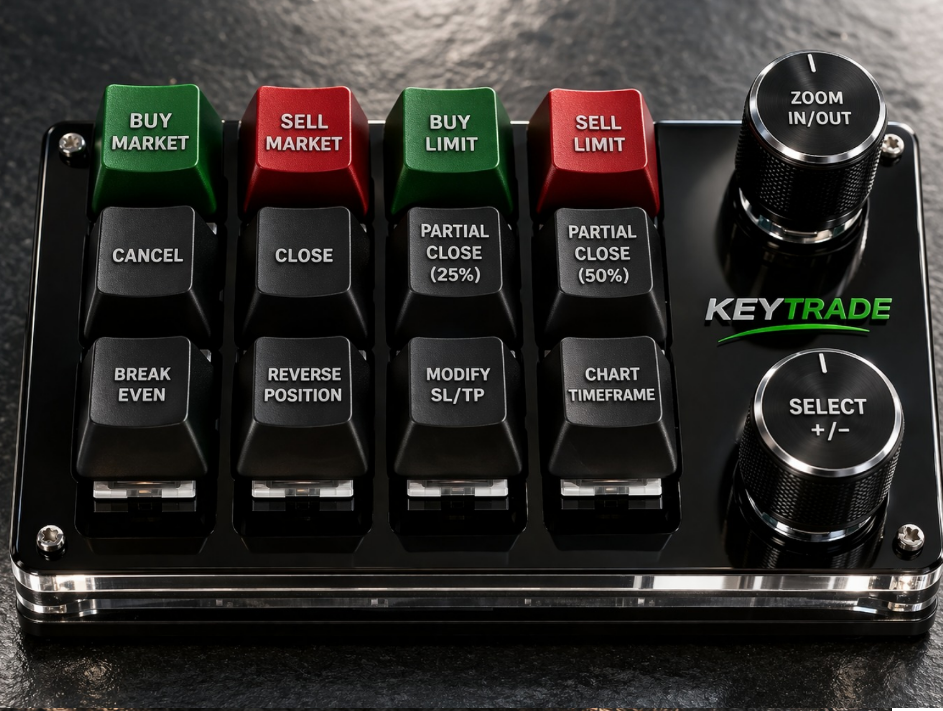
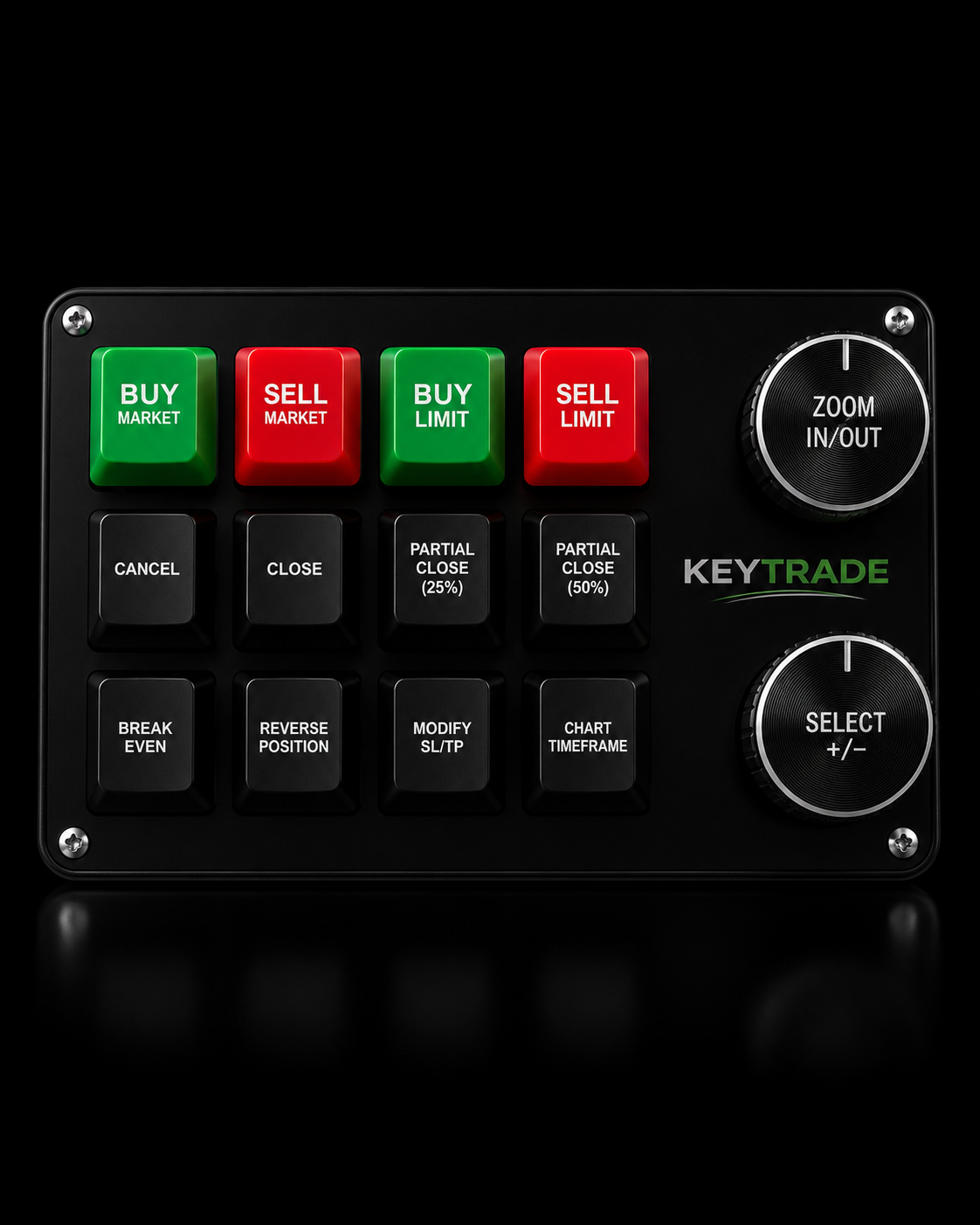
Trading Keypad Pro gives you instant access to every key market action, reducing the time between decision and execution.
Trade faster, control your risk with precision, and eliminate unnecessary errors at critical moments.
Fewer clicks. More control.

Compact, precise, and always ready.
Trading Pad MINI
The Trading Keypad Mini concentrates essential functions to help you operate quickly and with control at all times.
Access entries, exits, and basic risk management without distractions, reducing errors and gaining agility in your daily operations.
Made to simplify.
Execute, protect, and manage your trades with physical precision.
A system designed for traders seeking speed, control, and cleaner execution on cTrader, MetaTrader, and compatible platforms.
Market or Limit orders
Choose whether you want to place a market order or a limit order using the +/- Selector.
Quick close of operations
With a tap, you choose which trade to close. With a double tap, you can close all your open trades.
SL at entry point
Select an operation and automatically move the Stop Loss to break even.
Limit Order Management
Allows you to quickly select and cancel pending orders, just like the Close system.
Visual risk adjustment
Modify Stop Loss or Take Profit by selecting the trade from the device menu in Pips | %Balance | %Equity | %Entry Price
Fine control of the setup
Scroll through menus, adjust volume, SL/TP, or entry distance for Limit orders.
Market and Limit orders only
Separate buttons for Buy Market, Sell Market, Buy Limit and Sell Limit, without intermediate steps.
Closes or cancels in milliseconds
Close open trades or cancel pending orders from an intuitive selection panel.
Partial Closures 25% / 50%
Reduce exposure quickly. If there are multiple operations, you choose which one to close from the panel.
Position reversal
Change a Buy operation to Sell or a Sell operation to Buy. If there are multiple, you select which one to reverse.
Immediate protection
Move the Stop Loss to the entry price of the selected trade.
Advanced SL and TP Management
Modify Stop Loss or Take Profit by selecting the trade from the device menu in Pips | %Balance | %Equity | %Entry Price
Quick change of time frame
Change the chart's timeframe between the configured cycles: m1, m5, m30, H1, D1, Weekly, Monthly and more.
Chart control
Zoom in on the chart. Upon clicking, the system can automatically take you to M1.
Customize system behavior

WORLDWIDE SHIPPING
We deliver your KeyTrade device anywhere in the world with a logistics system optimized to offer speed, security, and control with every delivery.
We work with global coverage in the main regions, ensuring a smooth experience from processing to reception.
✔ Coverage in Europe, Latin America, USA and India
✔ Fast processing and priority shipping
✔ Real-time tracking on all orders
✔ Secure packaging and product protection
Receive your Trading Pad without complications, wherever you are

WORLDWIDE SHIPPING
We deliver your KeyTrade device anywhere in the world with a logistics system optimized to offer speed, security, and control with every delivery.
We work with global coverage in the main regions, ensuring a smooth experience from processing to reception.
✔ Coverage in Europe, Latin America, USA and India
✔ Fast processing and priority shipping
✔ Real-time tracking on all orders
✔ Secure packaging and product protection
Receive your Trading Pad without complications, wherever you are