

Top 6 tradekey.com Alternatives for 2026
Finding a trading keypad that improves order speed without adding software setup hassles is still difficult for serious and semi professional traders. Many mass-market macro pads either limit platform compatibility, focus on streaming tasks, or require complex programming before the keys work in trading apps. This comparison shows how six tradekey.com alternatives handle hardware setup, platform support, and budget so traders can pick a keypad that matches their own workflow.
Table of Contents
- key-trade.net
- Elgato
- Loupedeck
- PI Engineering
- Mountain
- Elite Trading Computers
- Comparison of alternatives
key-trade.net
At a Glance
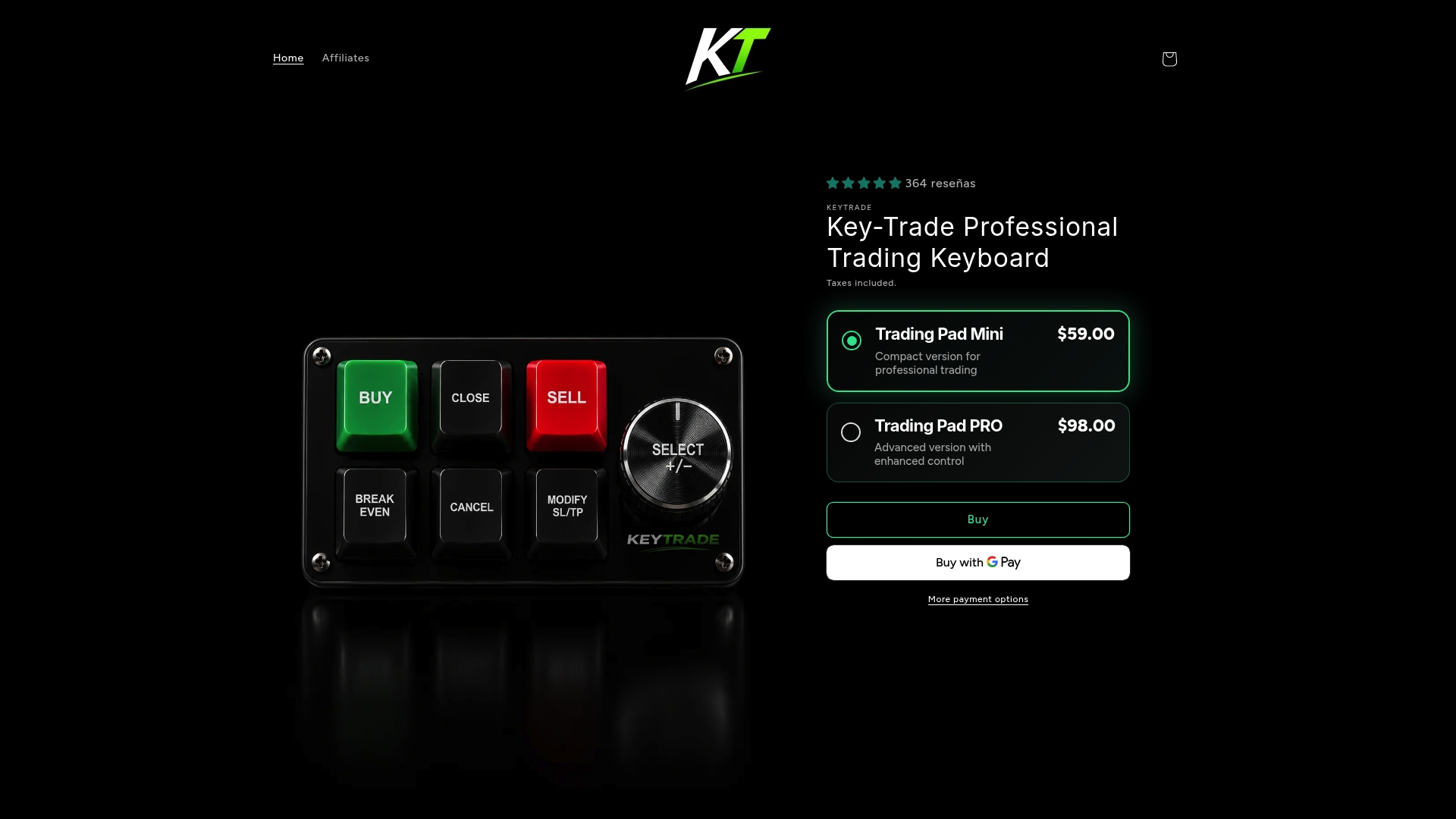
Trading Pad Mini retails for $59 and Trading Pad PRO retails for $98, with free shipping included on all orders. These physical trading keypads map common order actions to hardware buttons. They target traders who need faster execution and fewer on-screen clicks while using mainstream platforms.
Core Features
The hardware supports major platforms such as TradingView, MetaTrader 4 and 5, NinjaTrader, Sierra Chart, and cTrader, which lets you use the same keypad across multiple setups. Devices install with a plug and play workflow so you can start using programmable buttons without software configuration. Physical hotkey systems let you execute orders, modify SL/TP, perform partial closes, and reverse positions through dedicated controls while global shipping and order tracking handle delivery logistics.
Key Differentiator
This product is built specifically for professional traders focused on speed and error reduction through ergonomic, physical shortcut systems. The keypad places common trade actions on dedicated hardware, moving repetitive mouse workflows to single button presses. That physical-first approach reduces the number of manual steps needed to execute or adjust trades on supported platforms.
Pros
The lineup includes both a budget model and an advanced model, so traders can pick a device that matches trade frequency and budget. Compatibility across major platforms means you can use one keypad on multiple terminals without buying separate peripherals. The plug and play setup removes technical barriers for traders who do not want to install drivers or learn complex integrations. Worldwide shipping with secure packaging and real-time tracking makes it practical for firms and solo traders outside major markets.
Cons
- The product requires a physical hardware purchase and so is not a good fit for casual traders who prefer purely software workflows.
Who It’s For
This gear fits serious and semi professional traders who execute many orders per session, including scalpers and day traders. Prop firm traders and small trading desks that demand reliable physical controls will benefit from the keypad layout. Traders who prefer to keep platform controls on dedicated hardware rather than on-screen will find the devices most useful.
Unique Value Proposition
The Trading Pad PRO and Mini let you compress multistep order flows into single button presses by mapping SL/TP edits, partial closes, and position reversals to physical keys. That change moves tactical trade management off the mouse and onto purpose built controls, which shortens the number of manual actions required for common trade adjustments. For an active trader, that translates into fewer clicks per trade and a clearer physical workflow at the desk.
Real World Use Case
A day trader in a volatile market wires a Trading Pad PRO to a desktop running MetaTrader 5 and TradingView charts. When price spikes, the trader executes entries, sets SL/TP, and does partial profit taking using dedicated keys. The keypad replaces multi menu clicks with one press per action and helps the trader respond faster to short windows.
Pricing
Trading Pad Mini at $59 USD and Trading Pad PRO at $98 USD. Free shipping is included on all orders. There are no subscriptions and no bulk discount details listed.
Website: https://key-trade.net
Elgato
At a Glance
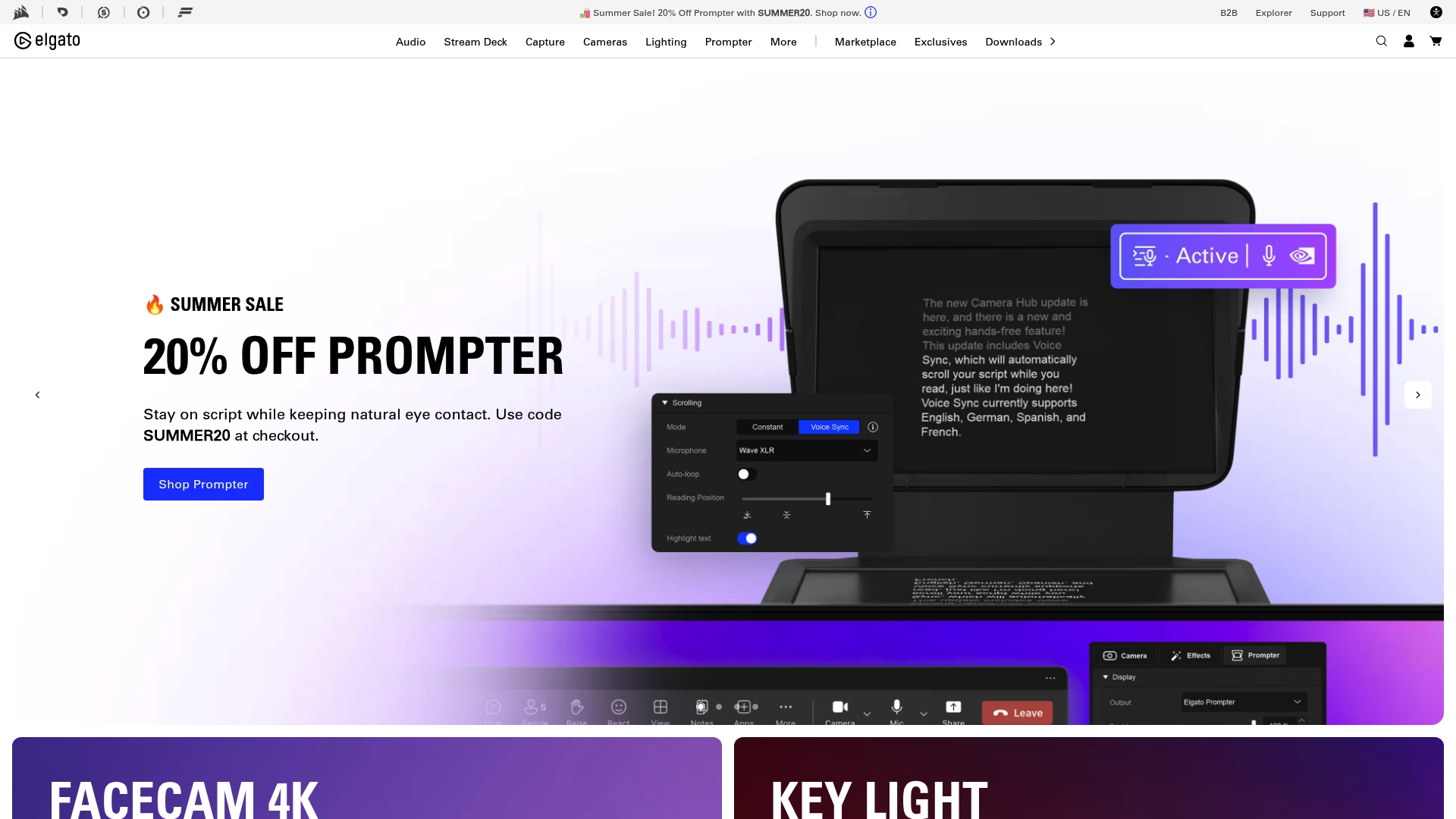
Most Elgato products range from $30 to $500. That price spread makes the brand accessible for serious hobbyists and professional studios willing to invest. Elgato focuses on hardware and paired software for streaming, capture, lighting, and studio accessories.
Core Features
Elgato ships a broad lineup that includes programmable control pads, video and audio capture devices, professional lighting, teleprompters, mounts, and green screens. The hardware ties into proprietary apps such as Stream Deck and Camera Hub to customize controls and camera settings. The company also issues limited edition designs and maintains active community support and tutorials.
Key Differentiator
Elgato combines recognizable, award highlighted hardware with its own software ecosystem to deliver an end to end studio setup. Exclusive collaborations and limited editions give creators visual and branding options that stand out on stream. That product-and-software pairing is what buyers cite most often when choosing Elgato.
Pros
Elgato covers nearly every studio need from input capture to lighting and control, which reduces the number of vendors you must manage. Hardware quality skews toward professional grade, and the products feel durable under frequent daily use. The brand sustains a large active community and publishes tutorials and support resources that help speed setup and troubleshooting.
Cons
- Premium pricing puts full setups out of reach for casual users or tight startup budgets.
- Shipping and support rollouts focus on North America and Europe, leaving some regions with limited options.
- The product line works best with its own apps, which can limit mixing third party devices in certain workflows.
- Limited edition drops create occasional stock shortages for popular items.
When It May Not Fit
If you operate on a tight budget and need only a single basic item, Elgato may not offer the best value. Buyers outside North America and Europe should check local shipping and warranty terms before committing. If your workflow relies exclusively on third party control software, the ecosystem dependence could add unnecessary complexity.
Who It’s For
Elgato suits professional and enthusiast content creators, full time streamers, AV technicians, and corporate media teams. Choose it if you value a single vendor for lights, capture, and studio controllers and if you plan to customize controls with companion apps. It also fits organizations that want widely documented hardware and active community channels.
Real World Use Case
A professional streamer buys a Stream Deck bundle with a Facecam and key lights to create a compact desktop studio. They use the vendor software to map scene changes and to control OBS, reducing mouse work during live shows. Community guides speed calibration, and branded accessories create a consistent on camera look.
Pricing
Most items list between $30 and $500, and Elgato offers bundles and kits that lower per item cost. The company advertises free shipping on orders over a set threshold, typically around $50 to $100.
Website: https://elgato.com
Loupedeck
At a Glance
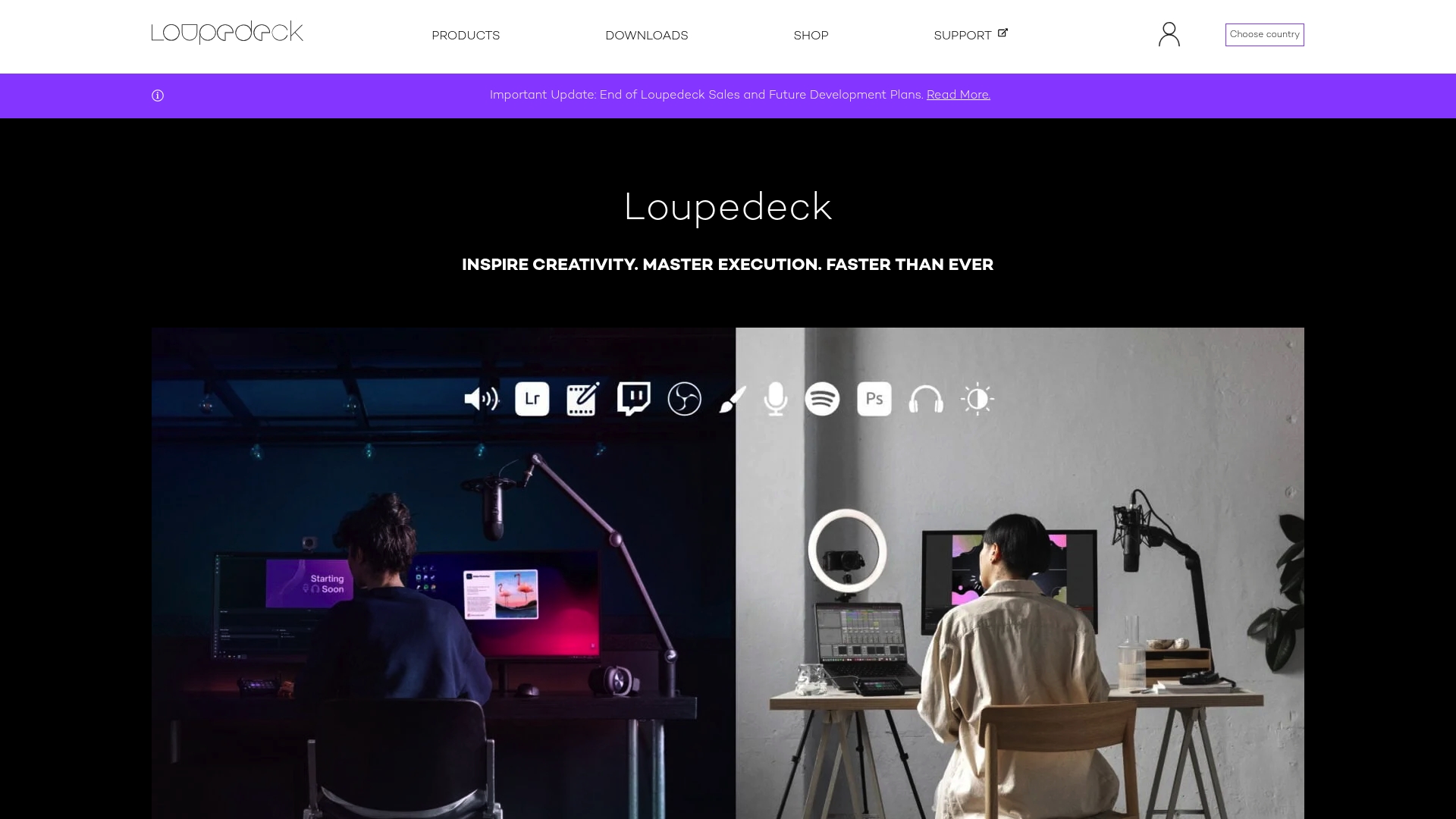
Loupedeck consoles sell in a price band around 249€ to 499€, with free international shipping on console orders. The product line targets photo editors, video editors, and streamers who want tactile controls instead of mouse-only workflows. Marketplace extras such as plugins, profiles, and icon packs let you extend a console without custom coding.
Core Features
The hardware pairs programmable buttons, tactile dials, and touch controls with native integrations for major creative apps. It supports both Windows and macOS and spans workflows for photo editing, color grading, video sequence work, and live streaming. The Marketplace supplies downloadable plugins and preset profiles that match common editing tasks and streaming setups.
Key Differentiator
Loupedeck combines physical control surfaces with deep native software integration to speed complex creative tasks. The company focuses on mapping physical controls directly to app functions so you avoid repeating menu clicks. That tight mapping is the product angle that separates it from generic controllers.
Pros
The product reduces friction in repetitive editing operations by putting common commands on hardware controls. Native support for Adobe Creative Cloud apps and other major editors cuts the time spent hunting through menus. The Marketplace and community profiles let you adopt proven layouts quickly and adapt a console to a specific tool or broadcast setup.
Cons
- End of sales and development for some older models may force owners to buy newer hardware for future features.
- The price reflects professional-grade components, which puts it above budget controller options.
- Compatibility is limited to supported software and systems, so obscure or custom apps may not work.
- Newer models include advanced options that carry a learning curve for beginners.
When It May Not Fit
If you need a low-cost entry device, this product is not the right choice. If your workflow depends on niche or bespoke software, the console may not map controls correctly. If you prefer a purely software macro solution, the tactile hardware will add cost without matching benefits.
Who It’s For
You should consider Loupedeck if you edit large photo batches, perform detailed color work, or run live streams and need physical controls. The console appeals to professionals and committed hobbyists who accept a premium price for faster hands-on control. It also fits teams that standardize on supported apps and want shared profiles.
Real World Use Case
A professional photographer uses a Loupedeck+ to speed bulk photo culling and editing in Lightroom and Photoshop. They build custom profiles for rating, cropping, and color adjustments and apply those macros on location. Back in studio, the same console accelerates fine grading and retouching during client sessions.
Pricing
Console models typically start near 249€ for the Live model and go up to about 499€ for the CT model. Bundles and accessories cost extra, and the company advertises free international shipping for console orders. Exact prices depend on the chosen model and any add-on accessories.
Website: https://loupedeck.com
PI Engineering
At a Glance
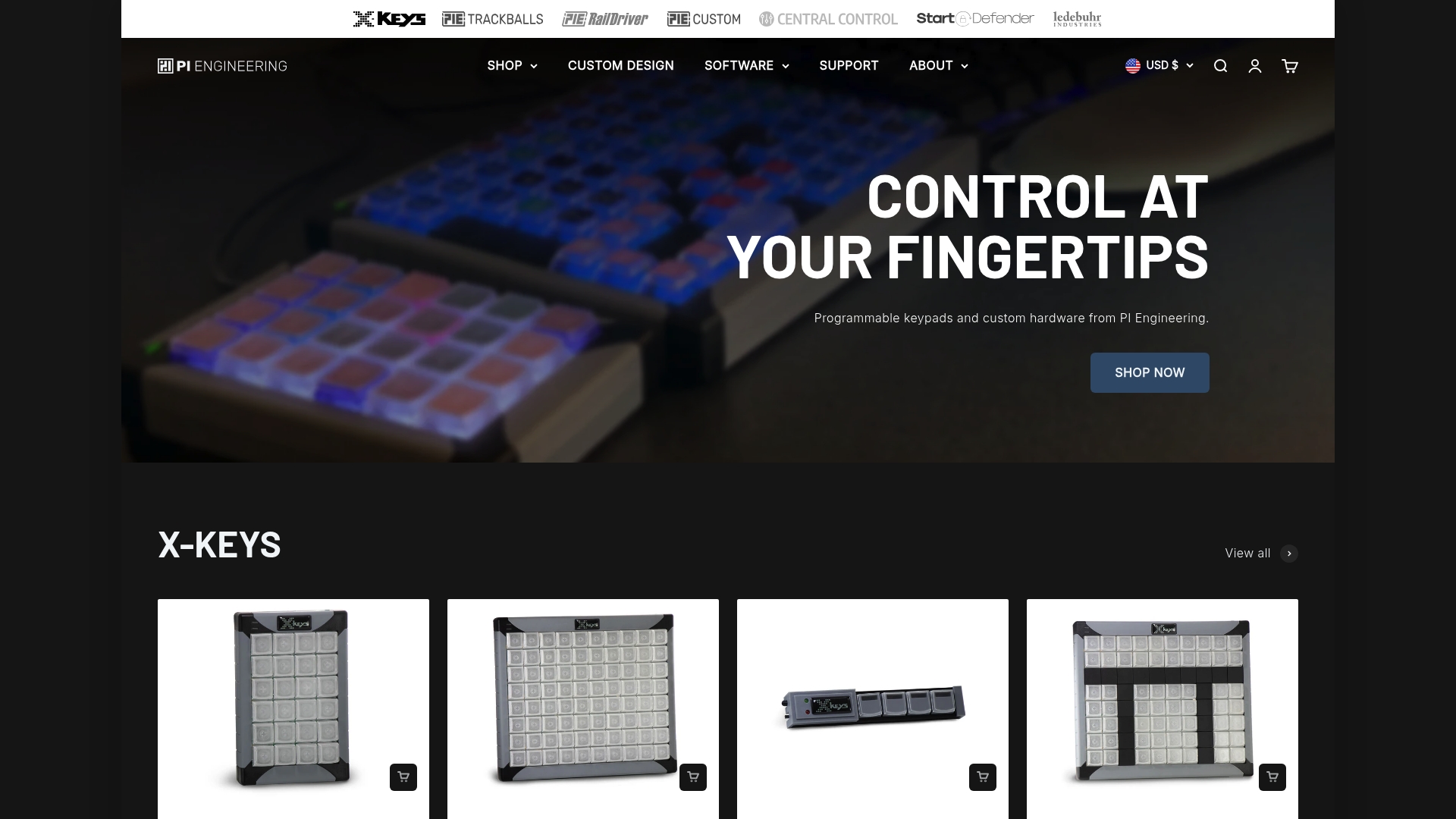
PI Engineering manufactures its X-keys series in Michigan, USA, and offers dedicated design services for custom control panels. The product line covers programmable keypads, keyboards, control sticks, and the RailDriver train controller. Many customers choose these devices when local manufacturing and deep physical customization matter more than off-the-shelf consumer gear.
Core Features
PI Engineering ships a broad lineup of programmable input hardware and accessories that users can configure to match specific control workflows. The company provides SDKs and dedicated control software, which let developers map complex commands and integrate devices with third-party systems. Design services handle custom layouts and builds, and global shipping supports professional installations outside the United States.
Key Differentiator
Manufacturing in the United States combined with hands-on customization services sets this maker apart from generic keypad vendors. The vendor emphasizes design-to-order work in Michigan, where engineers collaborate on button placement, labeling, and enclosure choices. That level of build control targets buyers who need a tailored physical interface rather than a mass-market product.
Pros
The X-keys family delivers durable, purpose-built hardware for control operators and simulation users, which reduces equipment churn in high-use environments. Strong customization options let teams order specific key counts, engraved legends, and unique form factors that match a facility layout or show console. Support for multiple software platforms and the available SDKs makes the devices programmable for automation scripts, broadcast control systems, and simulator inputs.
Cons
- Premium pricing reflecting American manufacturing. That price structure can put these devices out of reach for casual buyers.
- Product focus is professional control applications rather than generic consumer electronics. Hobbyists seeking plug-and-play simplicity may find the range narrow.
- Advanced customization requires comfort with programming and configuration. Less technical buyers will need help from integrators or support.
- Limited retail presence and channel availability. Most purchases happen online or through resellers.
When It May Not Fit
If you need a low-cost, plug-and-play macro pad for casual use, this product line is likely overbuilt and too expensive. Teams without an in-house developer or integrator will face a learning curve when using the SDKs and custom control software. Large procurement programs that require broad retail availability may find sourcing slower than with mass-market vendors.
Who It’s For
This hardware suits technically skilled professionals and serious hobbyists who need durable, programmable interfaces for real control tasks. Typical buyers include automation engineers, broadcast control operators, and sim enthusiasts who build bespoke cockpits. Developers who plan to embed device logic or pair controls with custom software will get the most value.
Real World Use Case
A live event producer orders a custom X-keys control panel with labeled macro keys and extra encoders for lighting cues. Engineers mount the panel at the desk, program actions using the SDK, and map keys into the venue’s show-control system. The result simplifies cue execution and reduces operator workload during complex sequences.
Pricing
Most X-keys models range from approximately $100–$260 depending on series and configuration, with accessories and custom builds priced separately. The company advertises bulk discounts and shipping thresholds for larger orders.
Website: https://xkeys.com
Mountain
At a Glance
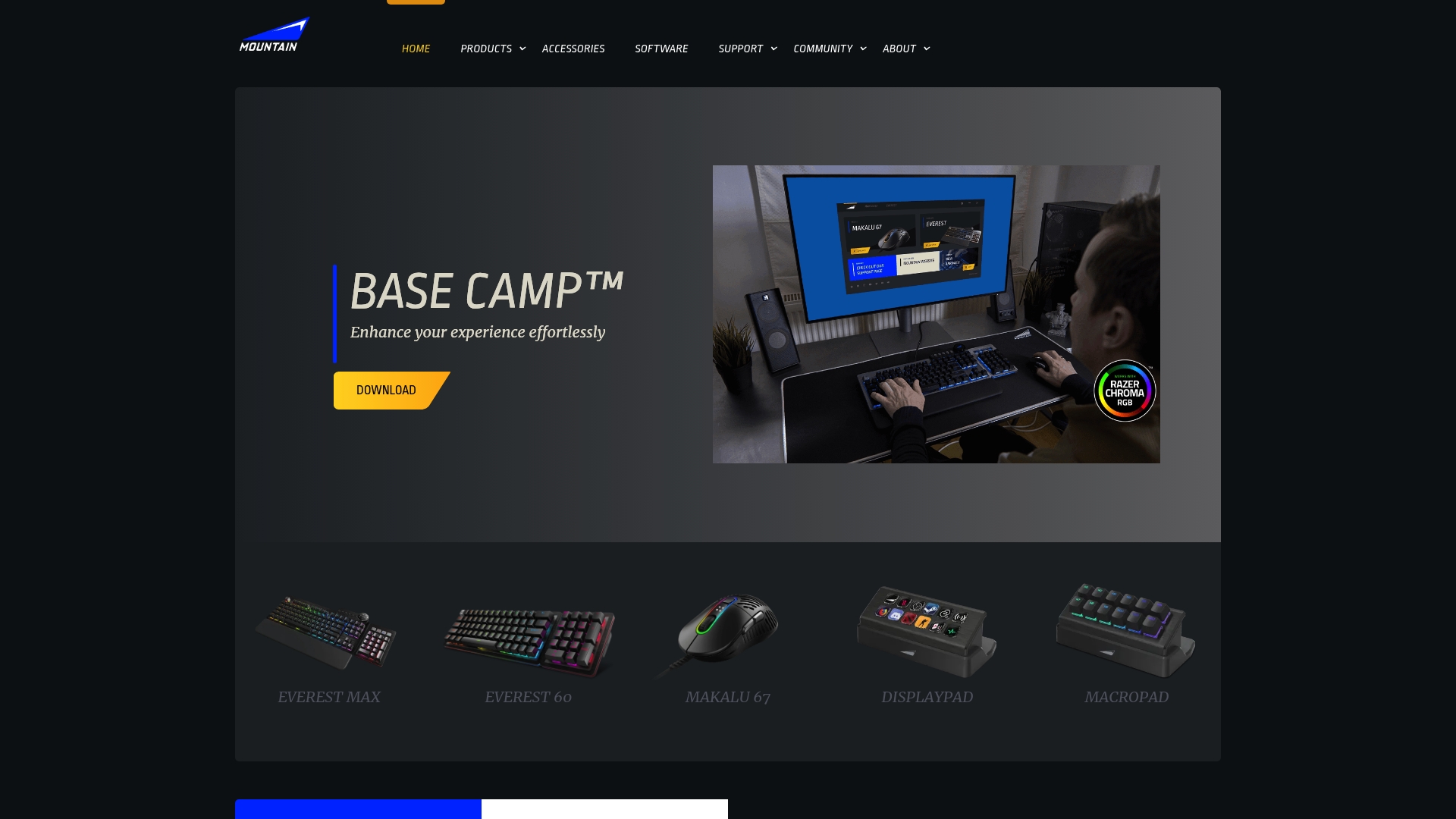
Mountain partners with Plastic Bank to remove ocean bound plastic from its manufacturing streams. Award winning keyboards such as the Everest Max and Everest 60 target gamers and creators who want modular control. Design emphasizes durable materials and user centric features for long service life.
Core Features
Mountain sells modular, customizable peripherals that let you swap modules and reconfigure layouts without special tools. The software provides advanced RGB control and profile storage so you can switch settings for games or editing workflows. Peripherals connect with streaming and editing tools and the company highlights sustainable sourcing and recycled material partnerships.
Key Differentiator
Mountain pairs modular hardware with a clear environmental program to reduce plastic waste in production. That combination places social impact into the product decision rather than treating sustainability as an afterthought. The approach appeals to buyers who want physically reconfigurable gear and a brand that reports measurable recycling partnerships.
Pros
The build quality uses durable materials that feel weighty and long lived in hands-on use. Modular components let you reconfigure a keypad or keyboard quickly for different playstyles or workflows. The brand highlights award recognition for product design and offers deep profile customization and RGB that integrate with streaming setups.
Cons
- Limited product range compared with some large gaming brands, which may require buying extras elsewhere.
- Premium pricing may place Mountain out of reach for budget buyers who want multiple peripherals.
- Shipping and availability focus primarily in Europe, which can raise costs for overseas customers.
- Specialized modular designs require a short learning curve for users who prefer plug and play.
When It May Not Fit
If you need broad, entry level peripheral choices under one brand, Mountain may not cover every category. Buyers on tight budgets will find the premium price points difficult to justify. If fast global logistics matter, the Europe centered distribution may add time and cost.
Who It’s For
Enthusiast gamers, streamers, and tech savvy individuals who value customizable hardware and long lasting materials will get the most from Mountain. Creators who map macros, switch profiles often, and want integrated lighting control will benefit. Buyers who care about a brand that supports plastic recycling should consider these products.
Real World Use Case
A professional streamer fits the Everest Max and a Mountain mouse into a branded desk setup. They save multiple profiles for games and editing and map scene switches to physical controls. RGB themes match channel branding and integrated controls cut reliance on keyboard shortcuts during live broadcasts.
Pricing
Mountain targets the premium segment with high end keyboards starting from approximately 200 EUR. Mice are priced around 80–120 EUR, and accessory prices vary by module and finish. Free shipping appears above a purchase threshold and the vendor mentions options for bulk or custom orders.
Website: https://mountain.gg
Elite Trading Computers
At a Glance
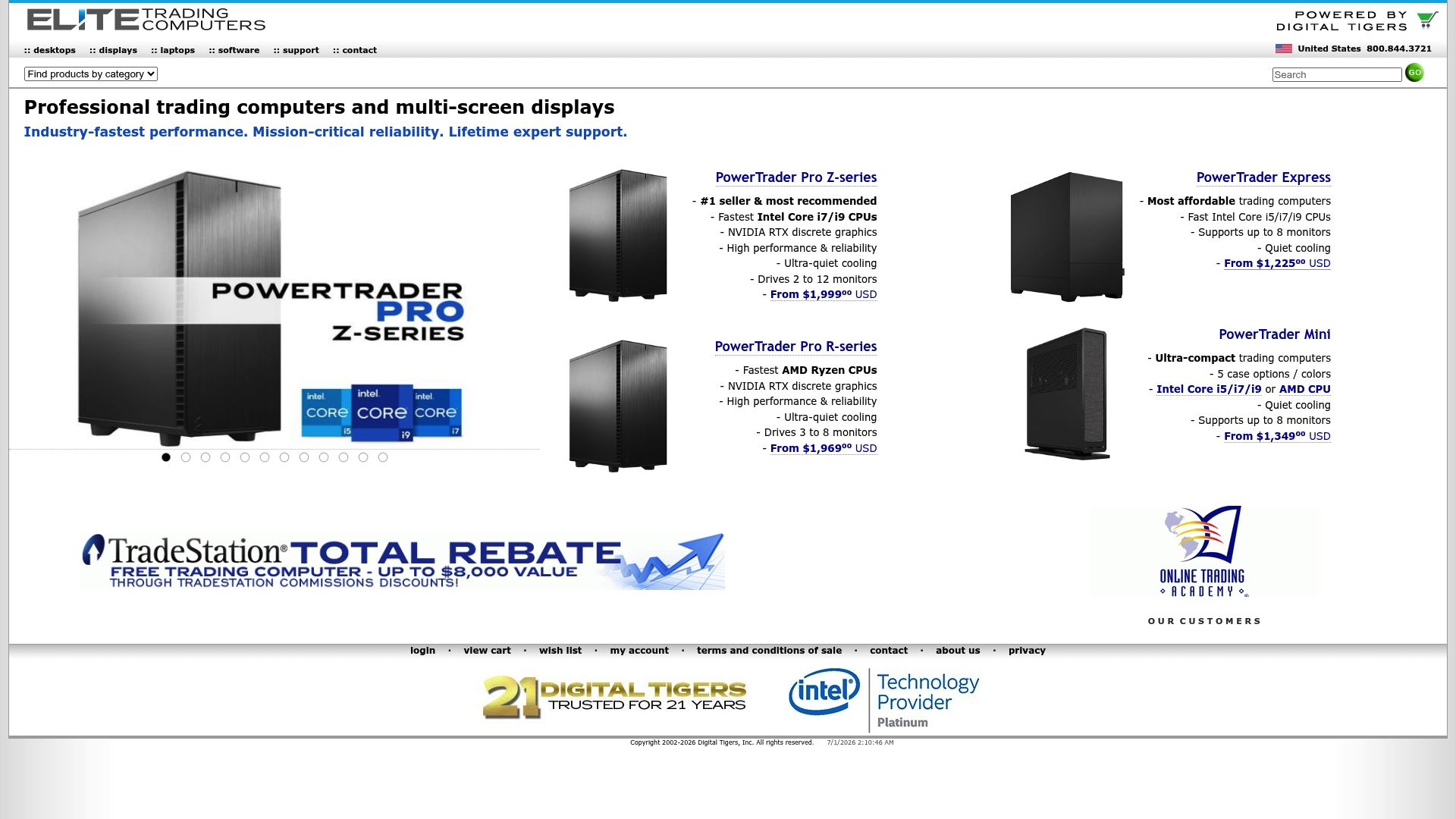
Support for up to 12 monitors gives traders an unusually large visual workspace for price feeds, charts, and execution consoles. The company pairs that display capacity with lifetime expert support for builders and enterprise clients. These features position the product as a hardware-first solution for traders who run many simultaneous applications.
Core Features
Elite Trading Computers sells build to order workstations and laptops equipped with the latest CPUs and GPUs, and offers broad options for CPU, RAM, storage, and graphics. Systems include quiet cooling and reliable components intended for long uptimes, plus remote diagnostics tied to the vendor support. Multi monitor setups are supported through configurations that can drive large display arrays without additional adapter hardware in many cases.
Key Differentiator
The defining trait is the vendor focus on ultra reliable, customizable trading systems backed by dedicated lifetime support. That combination appeals when hardware failure would disrupt live trading and when on-the-clock response matters more than low cost. The offering therefore serves a narrower technical need than general B2B marketplaces for sourcing suppliers.
Pros
High customization lets you pick exact CPU, RAM, storage, and GPU mixes to match your trading software and data feeds. Performance choices translate into visible gains when running multiple terminals and high refresh rate displays at once. The lifetime expert support and remote diagnostics reduce downtime risk for mission critical desks and small trading floors.
Cons
- Premium pricing limits appeal for budget buyers and hobby traders.
- Product line focuses on trading and professional workloads rather than gaming or consumer desktops.
- Warranty specifics beyond lifetime support claims are not detailed on the site.
- Sales and shipping primarily within the United States reduce accessibility for international teams.
When It May Not Fit
If you need an inexpensive replacement desktop for casual use, this offering is excessive. If your work relies on global procurement outside the United States, delivery options may be limited. Companies seeking a broad catalog for gaming or general consumer hardware will find fewer relevant models.
Who It’s For
Professional traders and financial analysts who run multiple trading platforms and need consistent hardware behavior during market hours. Small firms and prop shops that want a single vendor for build, tuning, and ongoing diagnostics. Content creators who operate large screen farms and prefer hands on vendor support also match this profile.
Real World Use Case
A trader orders a PowerTrader Pro Z series configured with an Intel Core i9, 192GB RAM, and three NVIDIA RTX GPUs to run intensive charting and backtesting. According to the company, the system is built and shipped within days, then installed on a desk with 12 monitors and trading terminals. The lifetime support helped troubleshoot a monitor driver conflict the first week and restored full operation quickly.
Pricing
Pricing starts at $1,225 USD for entry level systems and rises above $3,500 USD for top tier configurations with expanded memory and multiple GPUs. Custom upgrades are available at additional cost, and the vendor states that lifetime support is included with builds.
Website: https://elitetradingcomputers.com
Comparison of alternatives
Key-trade.net uniquely excels by offering purpose-built trading keypads that significantly enhance order execution efficiency through physical shortcut mechanisms. Reviewing competitors highlights varying strengths tailored to different user needs.
Ergonomics and Functionality
Key-trade.net emphasizes trading-specific ergonomics and tactile controls, directly addressing workflows unique to professional traders. By contrast, Elgato and Loupedeck prioritize broader creative applications, offering versatile integration with content creation tools rather than focusing on dedicated trading interfaces.
PI Engineering’s X-keys epitomizes customization, with the ability to design hardware tailored to unique operational requirements. Despite this advantage, key-trade.net’s plug-and-play compatibility remains for users demanding immediate setup.
Customization Options
For users requiring bespoke setups, PI Engineering’s tailored design support and SDK offerings best address specialized requirements. Mountain similarly delivers modular options, though primarily geared toward gaming and streaming workflows. This contrasts with key-trade.net’s predefined configurations, optimized specifically for trading actions, ensuring relevance and usability without customization hurdles.
Best fit
- Traders and scalpers aiming to optimize order handling will benefit most from key-trade.net’s integration with multiple trading platforms.
- Teams requiring highly customizable physical interfaces to align hardware with unique operational setups should opt for PI Engineering’s X-keys.
- Content creators looking for universal compatibility with creative software will find Elgato and Loupedeck’s products fitting well.
- Financial desks prioritizing multi-monitor setups and high-performance computing for trading applications will gain the most from Elite Trading Computers.
Our pick
Key-trade.net emerges as the choice for trading professionals requiring an efficient and dedicated control system. Its focused design minimizes execution lags and simplifies critical trading operations. Users outside this specialized domain may, however, favor competitors like PI Engineering for tailored setup needs or Elgato for content-oriented solutions.
Trading professionals and enthusiasts can explore various physical control devices tailored to enhance performance and workflow efficiency in their environments.
| Product | Key Differentiator | Best For | Pricing | Notable Limitation |
|---|---|---|---|---|
| Key-trade | Physical keys for trade execution speed | Traders needing hardware shortcuts | $59-$98 with free shipping | Requires hardware purchase—not ideal for casual traders |
| Elgato | Hardware-software ecosystem for studio setups | Professional creators and streamers | $30-$500 with suboptions | Focused on North America and Europe logistics |
| Loupedeck | Tactile advanced control with plugin extensions | Photo and video editing professionals | From 249€ | High cost—entry devices may feel expensive |
| PI Engineering | Fully customizable hardware configurations | Technical professionals needing bespoke solutions | $100-$260 | Advanced customization may require developer expertise |
| Mountain | Sustainable modular design with user-centric systems | Tech-savvy enthusiasts | From 200EUR | Europe-centered distribution affects global access |
Why Professional Traders Choose Hardware Keypads Over Software Alternatives
Many traders find tradekey.com alternatives confusing when they rely solely on software macros and multiple on-screen steps. Key-trade offers specialized hardware devices that solve key pain points such as speed, accuracy, and reducing mouse clicks during live trading. Designed for professional and serious retail traders, Key-trade keypads work seamlessly with platforms like TradingView, MetaTrader 4 & 5, and cTrader.
Key benefits include:
- Rapid order execution through dedicated programmable buttons
- Physical controls for quick SL/TP edits and partial closes
- No need for complex software setup or drivers
See how Key-trade devices improve execution efficiency for proprietary trading firms and active traders at https://key-trade.net. Upgrade your trading setup and make every action count with hardware designed just for the demands of professional trading.
FAQ
How does Key-trade improve order execution for traders?
Key-trade offers a physical trading keypad that maps common order actions to hardware buttons. This feature allows traders to execute orders and manage trades faster and with fewer on-screen clicks. Serious traders looking for improved speed and accuracy should consider this advantage.
What is the difference between Key-trade and Elgato by focusing on specific needs?
Elgato excels in providing a comprehensive suite of hardware and software for streaming and content creation. Key-trade, in contrast, focuses specifically on trading environments where speed and reduced mouse clicks are critical. Traders who prioritize quick order execution will find Key-trade more suited to their needs.
Can Key-trade support multiple trading platforms effectively?
Key-trade supports major platforms such as TradingView, MetaTrader 4 and 5, NinjaTrader, Sierra Chart, and cTrader. This compatibility allows traders to use the same keypad across different setups. Expect a streamlined trading experience across platforms with this flexibility.
Which feature makes Key-trade stand out compared to other alternatives?
Key-trade’s plug and play setup eliminates the need for complex software installations. This makes it accessible for traders who want to focus on their strategies without technical distractions. Many competitive products may require deeper software knowledge and configuration.
How does the pricing of Key-trade compare in relation to trading requirements?
Key-trade offers the Trading Pad Mini for $59 and the Trading Pad PRO for $98, including free shipping. This pricing structure provides options that can cater to various trading frequencies and budgets, making it an appealing choice for traders who value price-performance ratios.